Advanced CRM and Website Reporting
Charts, Graphs, Data Lists, and more. ALL with RealTime Tag Data, Google Search Console & Analytics
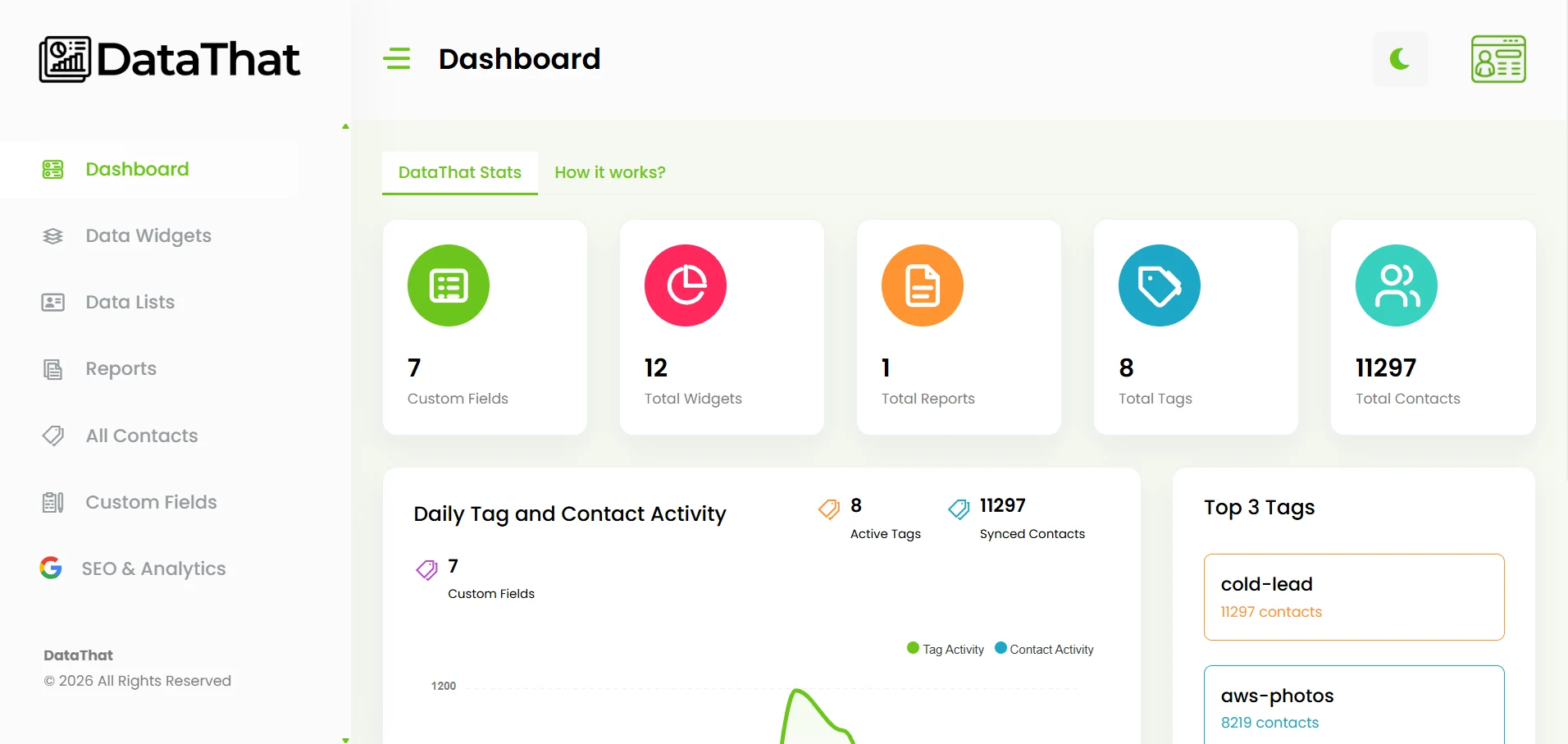
Connect. Track. Report.
Get useful reporting in three steps
-
1
Connect DataThat
Install the CRM app and connect your DataThat account.
-
2
Let activity sync
DataThat records new tag activity and synced contact updates.
-
Build your reports
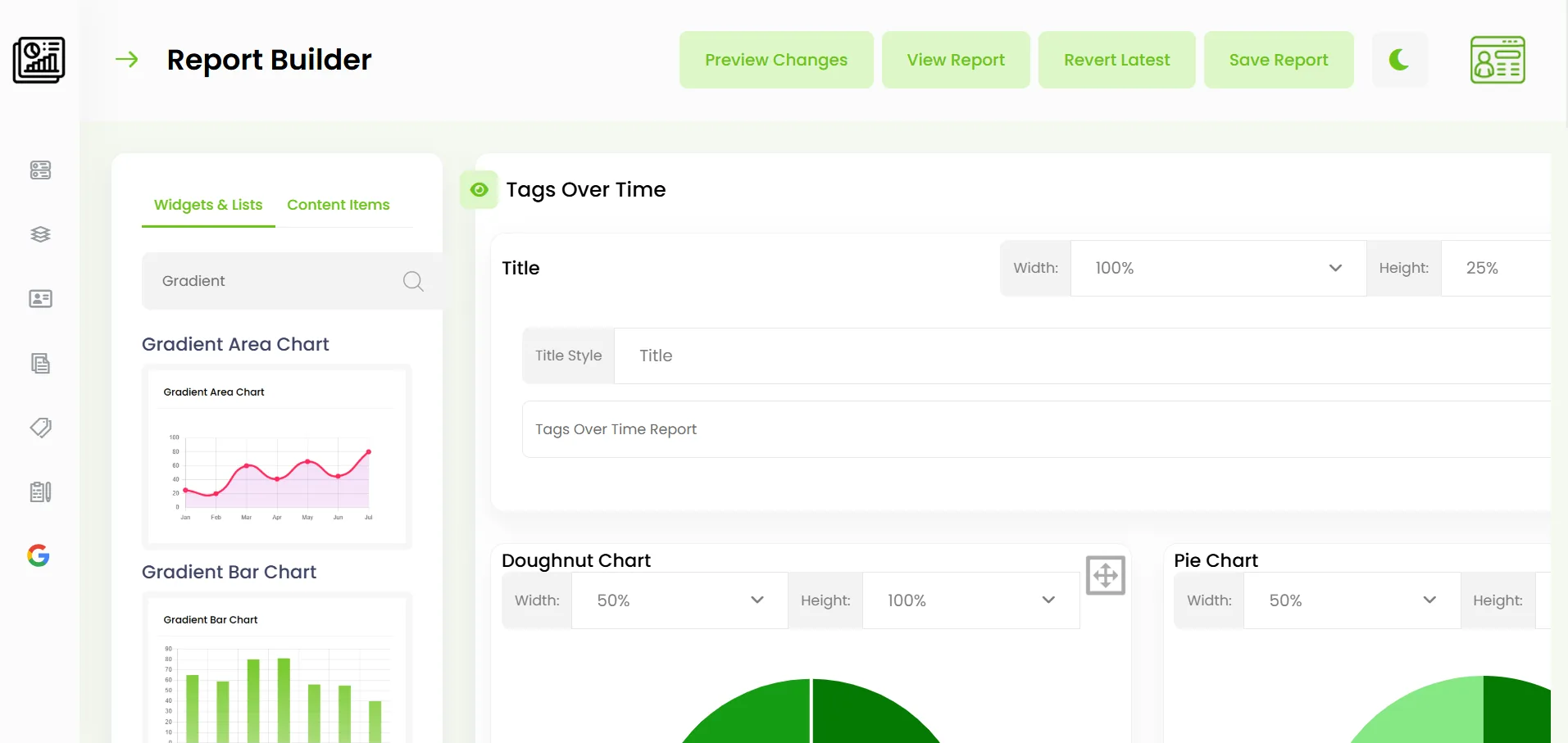
Create charts, lists, dashboards, and client-ready reports.
HighLevel Advanced Reporting
Your tags should tell you when the action occurred.
Standard CRM tags usually show what action a contact took at some point in time, but not actually when that tagging occurred. This can skew your reporting.
DataThat records new tag additions and removals as synced contact updates are received. Report on tag activity for a specific day, week, month, or custom date range.
Learn About HighLevel Reporting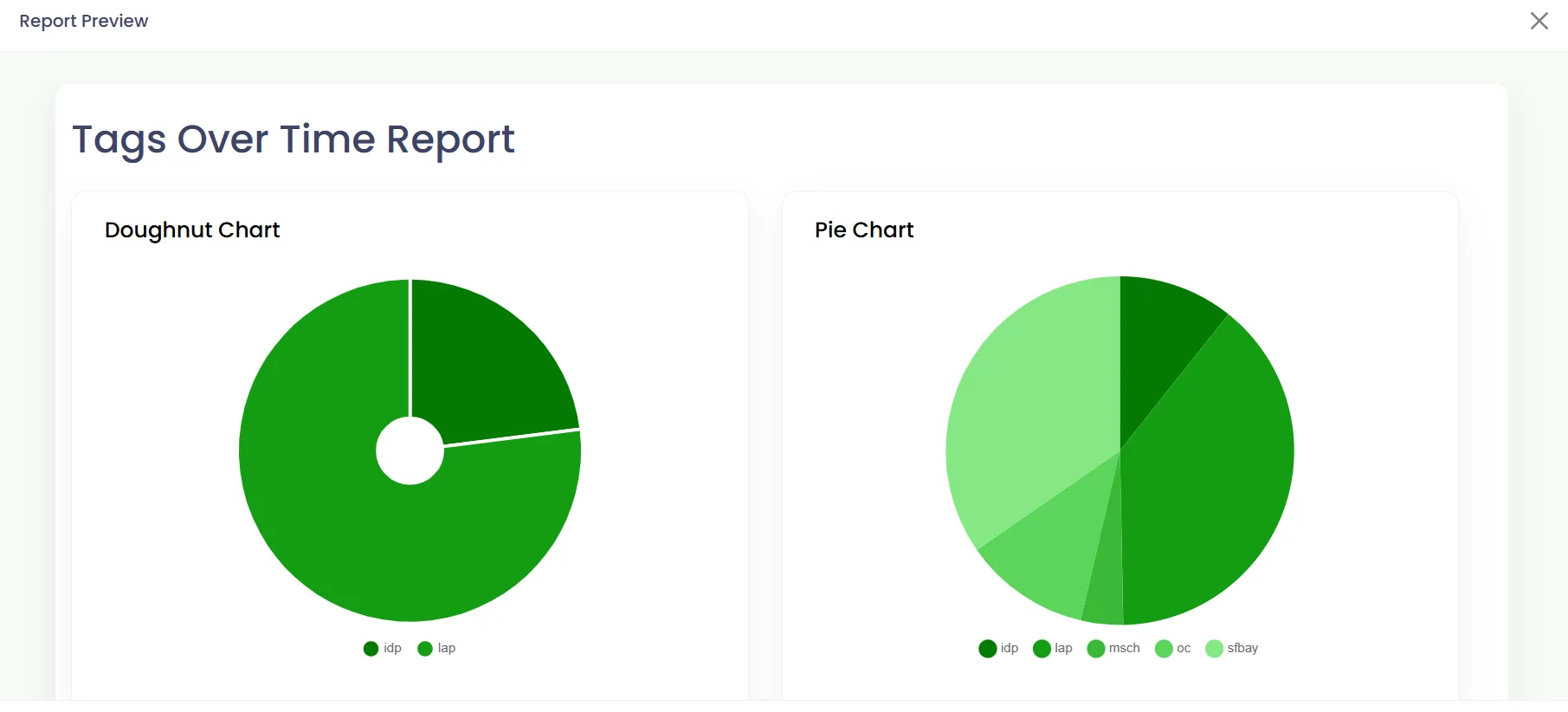
Reporting Tools
Build the view your workflow needs.
-
Visual chart widgets
Build bar, line, area, pie, doughnut, radar, polar, stacked, and comparison charts.
-
Filtered contact lists
Include or exclude tags and custom field values across all time, one day, or a custom range.
-
Custom report builder
Combine charts, lists, titles, paragraphs, logos, dividers, spacers, and page breaks.
Date & Time
Recorded activityContact Data
Filtered resultsCustom Reports
Reusable layouts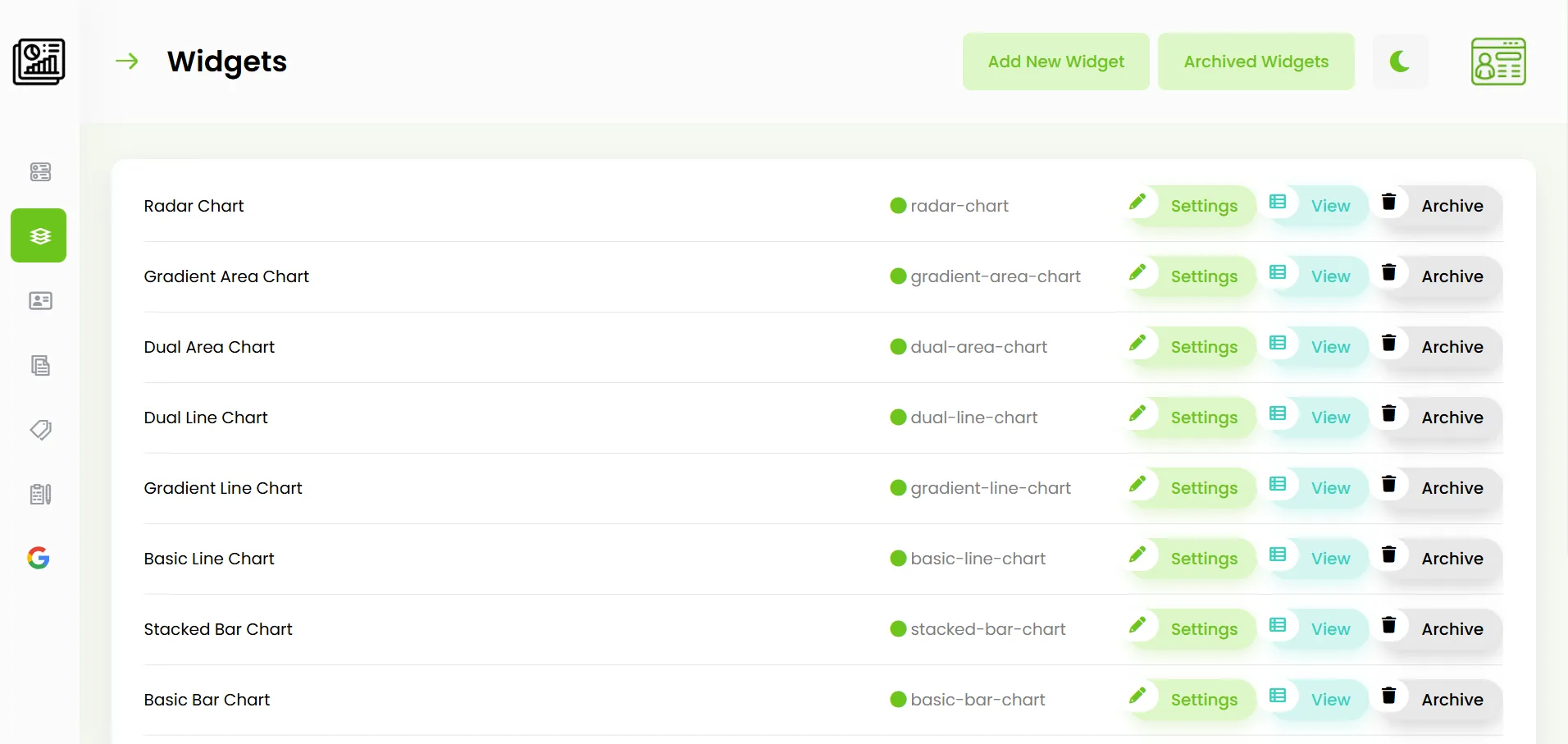
SEO & Analytics Reports
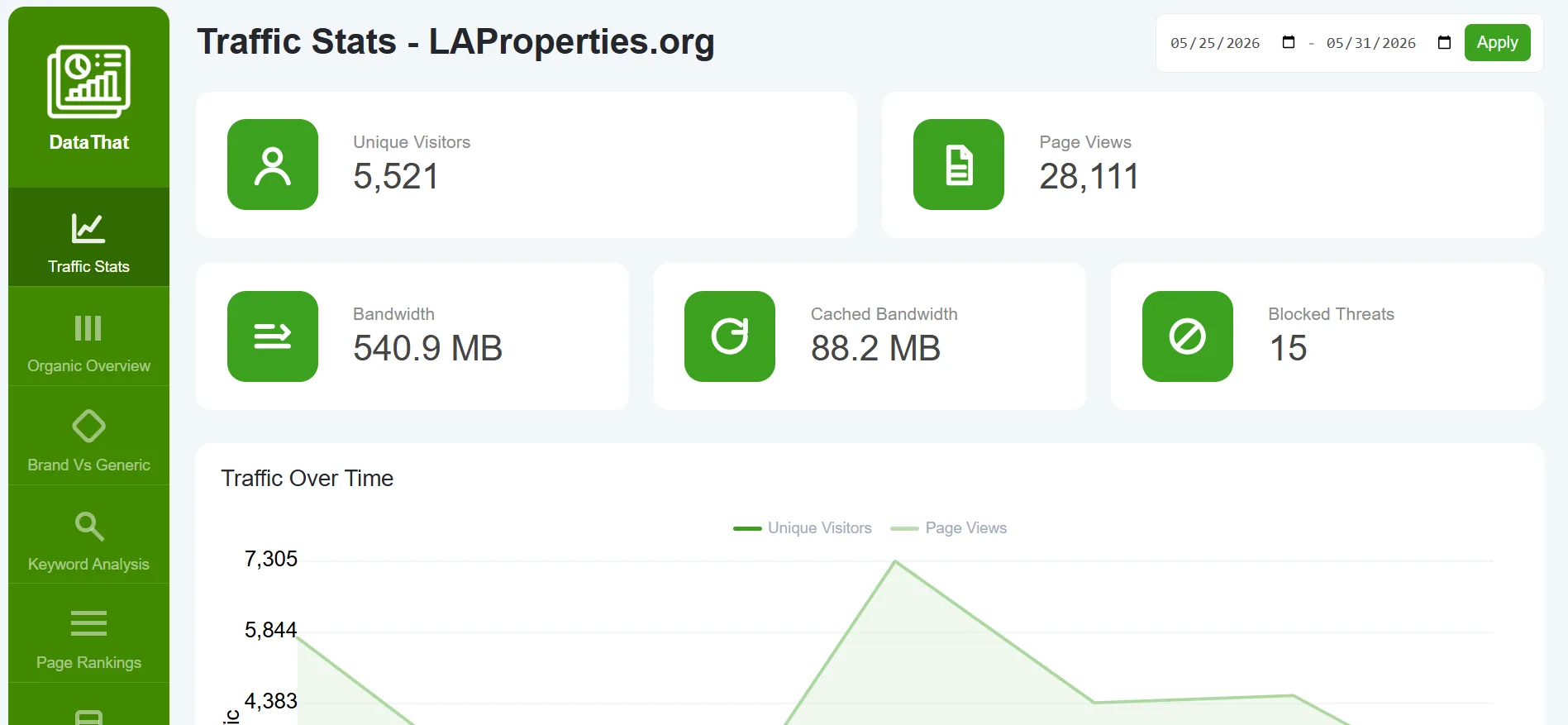
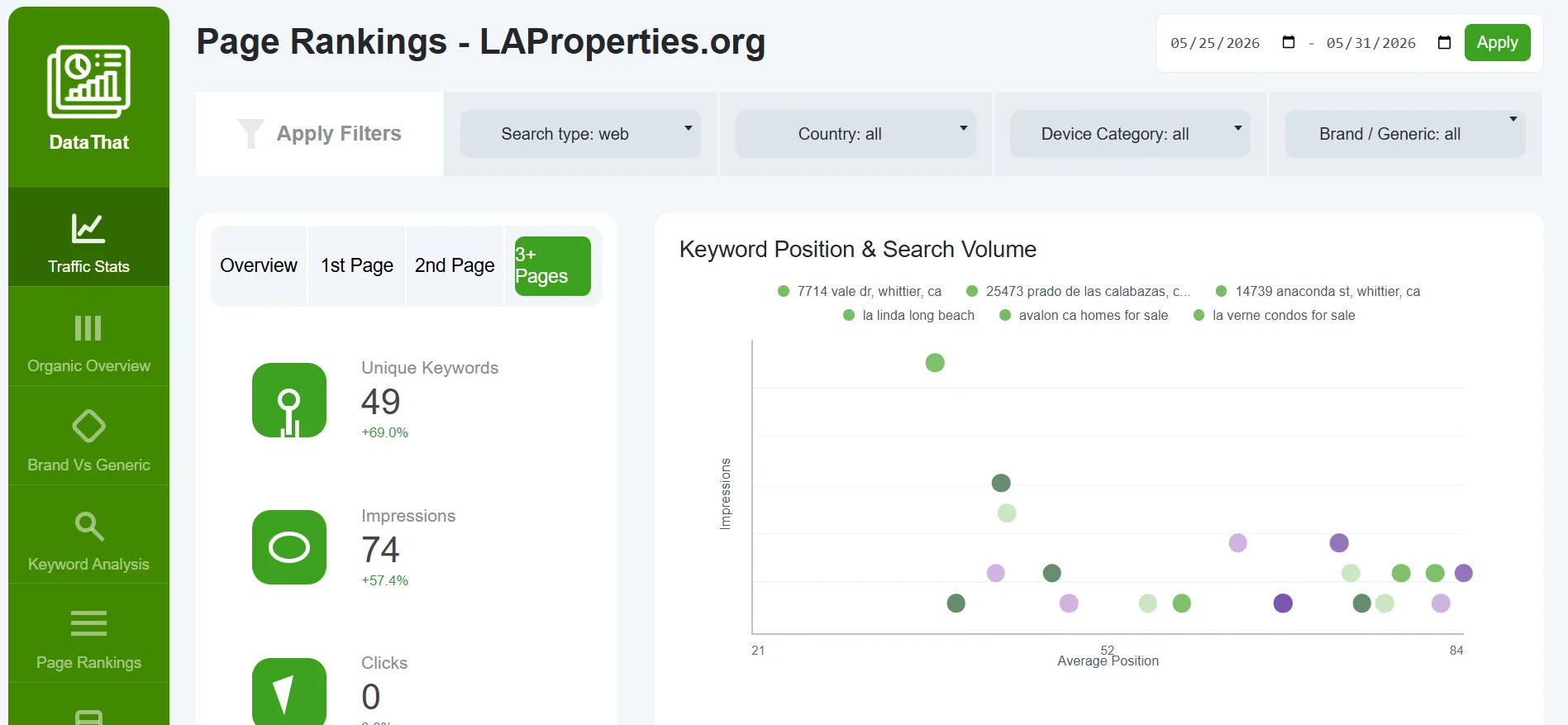
See how people find and use your website.
Review Google Search Console and Google Analytics reporting in a focused dashboard for search visibility, traffic, engagement, and landing-page performance.
All paid DataThat plans include access to the SEO and Analytics report dashboard.
Explore Website PerformanceWhy DataThat
Reporting built for action
Accurate context
Understand when new tag activity was recorded instead of relying only on current tag status.
Flexible reporting
Create visual charts, detailed lists, and complete reports around your actual business workflow.
Connected insights
Review CRM activity, search visibility, website traffic, and engagement through DataThat.
Make your reporting easier to understand and act on.
Connect DataThat and start building a clearer history of your CRM and website performance.
Get Started Read the Documentation