Turn HighLevel tag activity into reporting you can trust.
Record when tags are added or removed, build date-based charts and lists, and assemble complete reports.
Why you should use DataThat
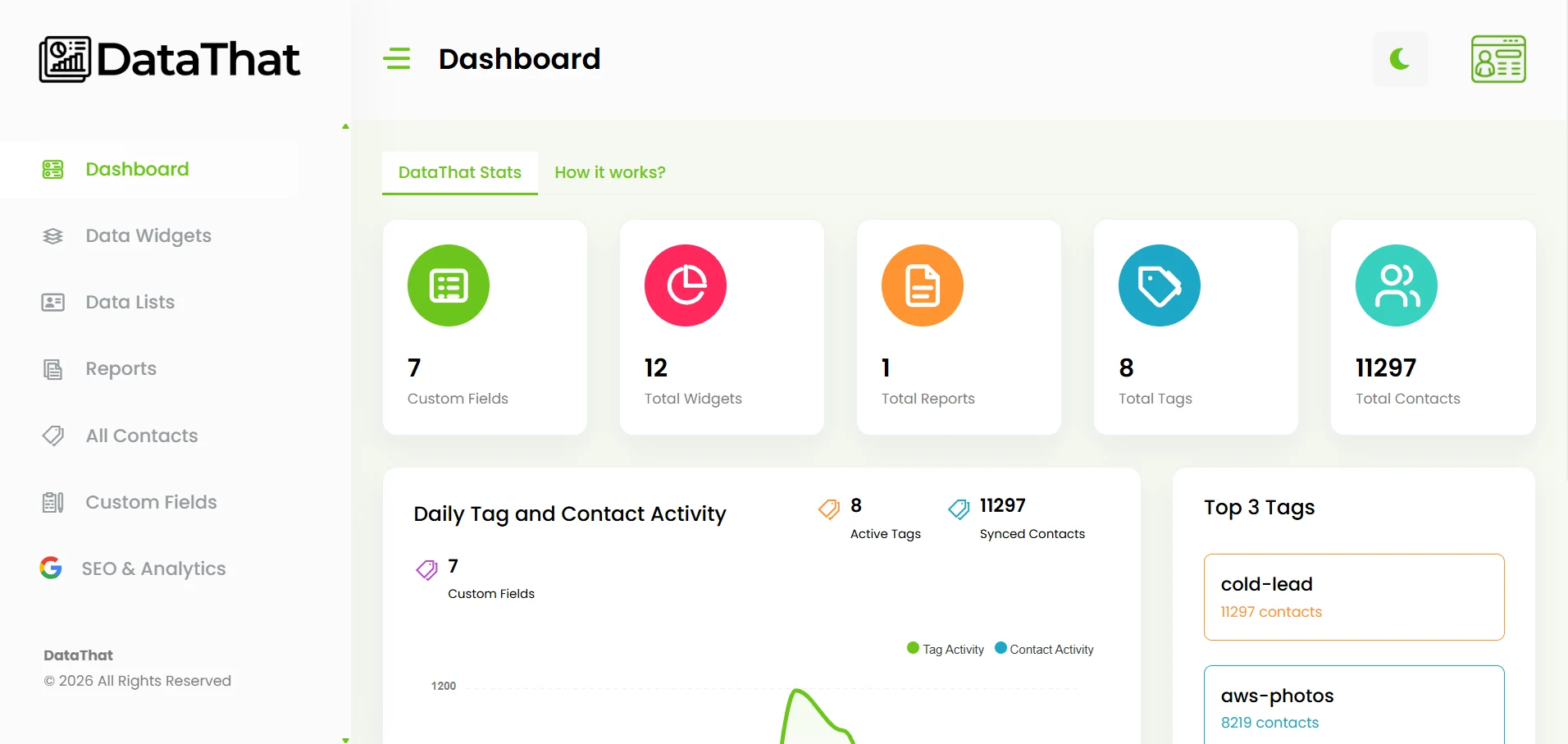
A tag tells you what happened. DataThat tells you when.
Standard CRM tags usually show what action a contact took at some point in time, but not actually when that tagging occurred. This can skew your reporting.
After connection, DataThat records tag additions and removals as contact updates are received. Report on real activity for a specific day, week, month, or custom date range.
Reporting Workflow
From connection to completed report
- 1
Install and connect
Install Advanced Reporting by DataThat and connect the correct HL location.
- 2
Sync contact activity
DataThat processes contact updates, tags, and custom field values.
- 3
Create and report
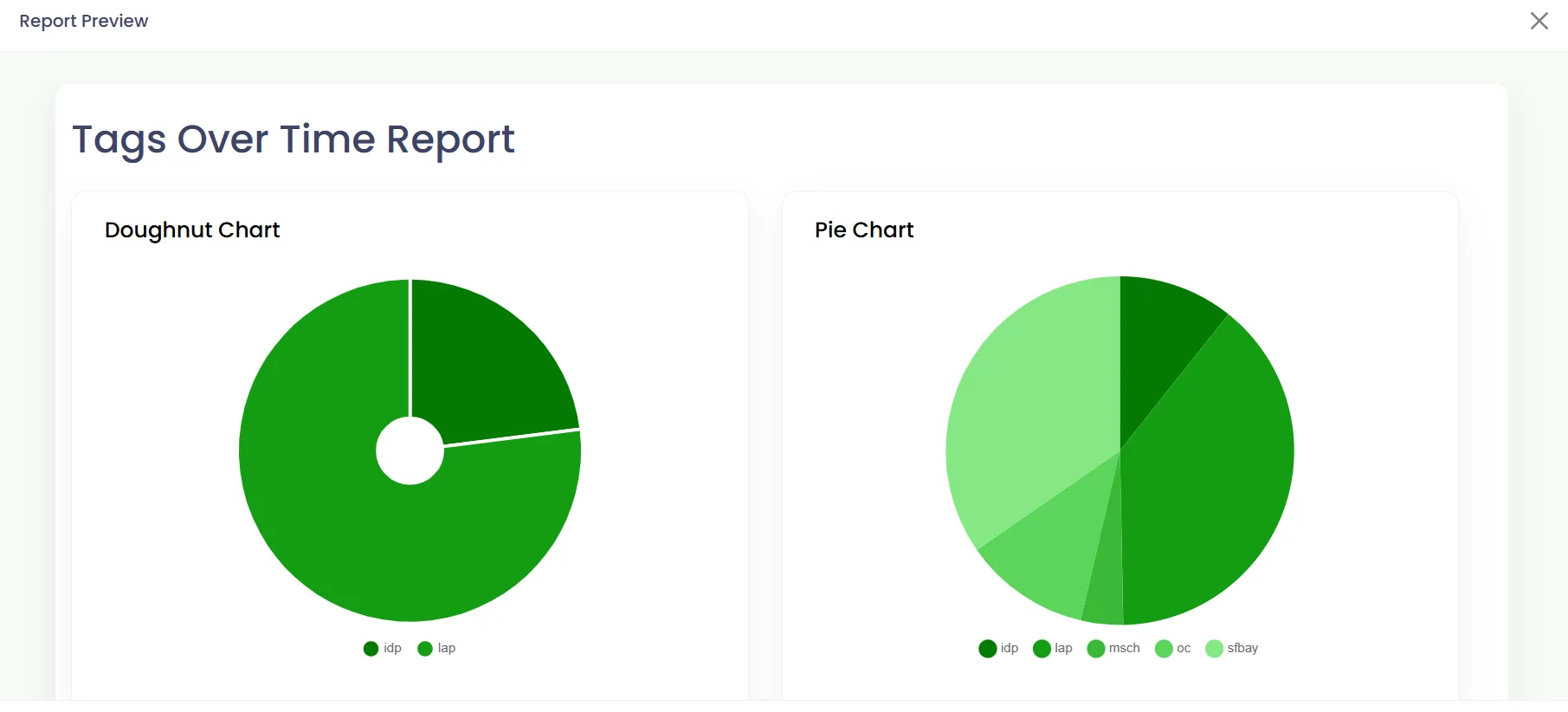
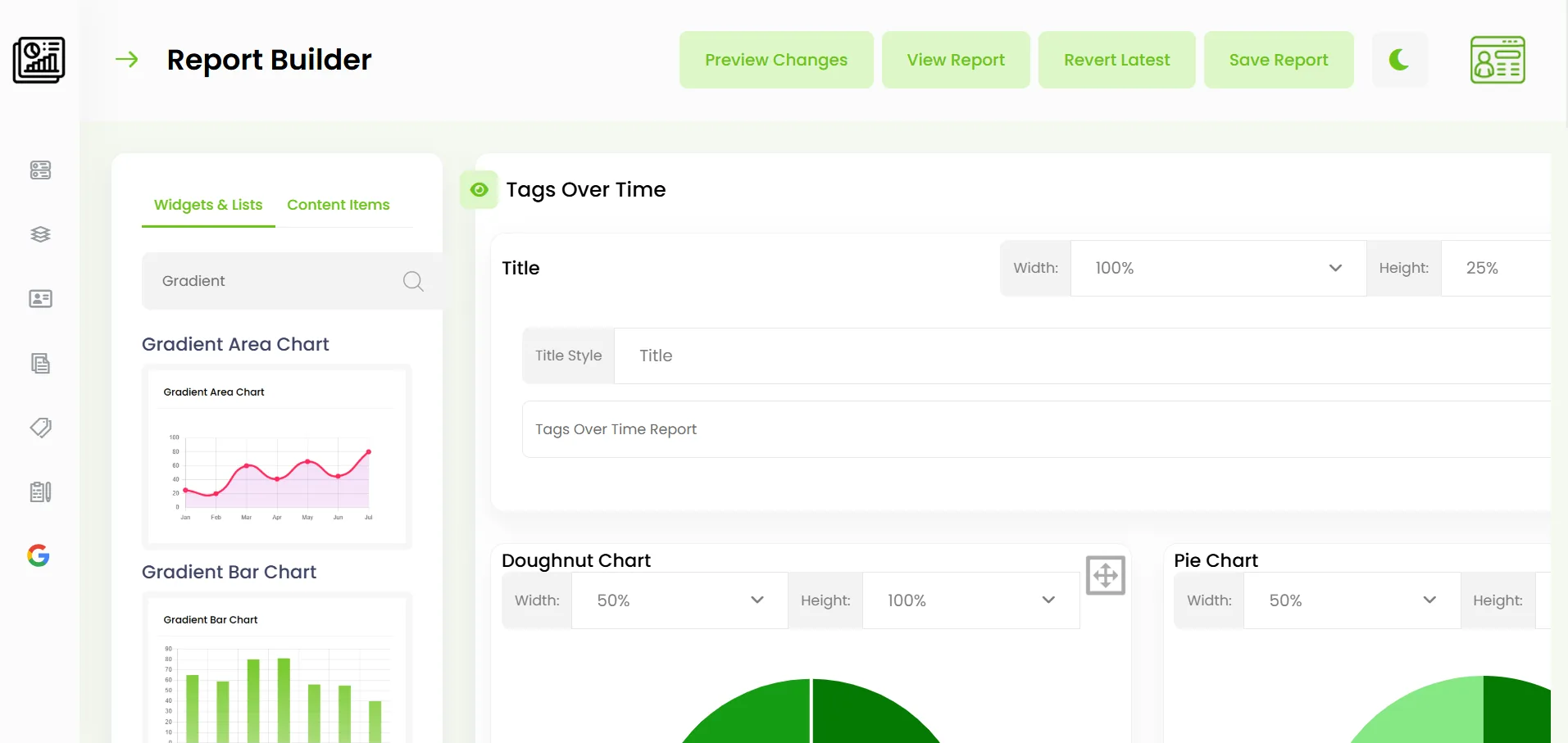
Build widgets and lists, then arrange them into reusable reports.
Featured Reports
Automatically load featured reports inside your CRM.
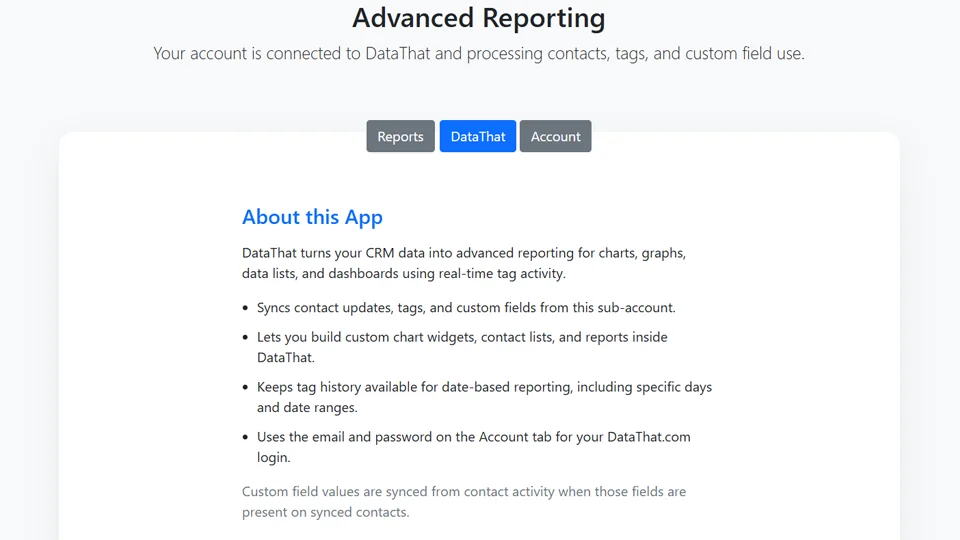
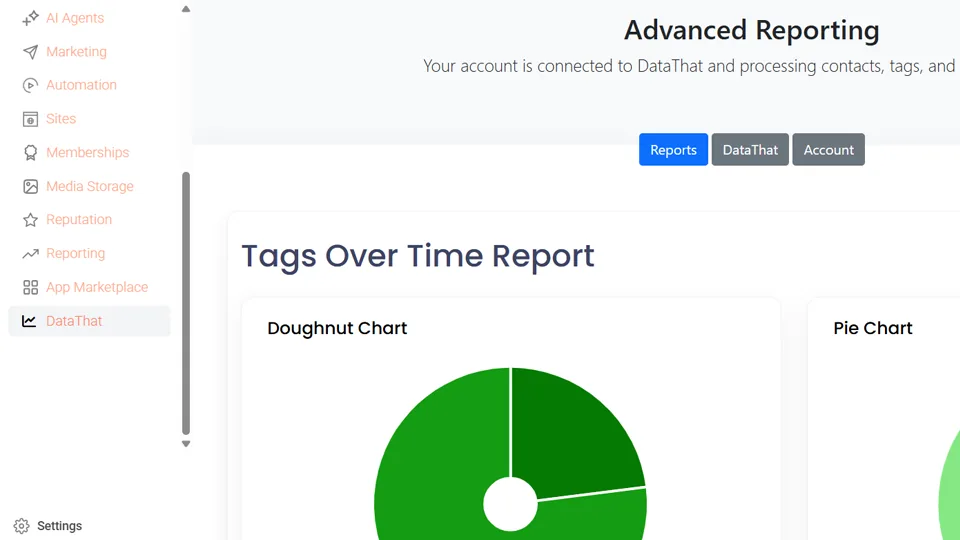
Mark a DataThat report as Featured and it appears in the Reports tab of the Advanced Reporting app for that CRM location.
Users can review current charts, lists, and report content without leaving the CRM. Updates made to the featured report in DataThat are reflected the next time it is opened.
Tools Included
Build reporting around your workflow.
- ✓Chart widgets
Bar, stacked bar, pie, doughnut, line, area, radar, polar, and comparison charts.
- ✓Contact data lists
Filter using included or excluded tags, date periods, and custom field criteria.
- ✓Custom reports
Add widgets, lists, titles, paragraphs, logos, dividers, spacers, and page breaks.
Existing tags use the initial sync time.
HL does not provide the original date and time for tags that already exist when DataThat is connected. Existing tags are recorded with the initial sync timestamp. New tag additions and removals received after connection are recorded as those updates are processed.
Source Data Protection
Reporting access without writing back to contacts
Read for reporting
DataThat uses synced CRM data to power reporting views.
No contact edits
DataThat does not edit your HL contacts, tags, or custom fields.
Disconnect access
Remove DataThat access from the embedded app when needed.
Pricing
Choose the right advanced reporting plan
Every advanced reporting plan also includes Google Search Console and Google Analytics reports.
Basic
$49499
per monthper year
For businesses getting started with advanced, actionable CRM reporting.
- ✓CRM Tag & Contact sync
- ✓SEO & Analytics reports
- ✓Charts, data lists, and custom reports
- ✓Featured reports displayed inside your CRM
- ✓6-month reporting history
Pro
$1491,499
per monthper year
For active teams reporting across campaigns and workflows.
- ✓Everything in Basic
- ✓Year-over-year and period comparison charts
- ✓Scheduled email report delivery
- ✓24-month reporting history
Enterprise
$2992,999
per monthper year
For organizations with larger and more complex reporting workflows.
- ✓Everything in Pro
- ✓Advanced organization-wide reporting workflows
- ✓Data export, report printing, and PDF reports
- ✓Unlimited reporting history
Start building a useful history of your HighLevel activity.
Connect DataThat and turn tag and contact updates into clear reporting.
Get Started